Table of Contents
ToggleWhen seconds count in an emergency, a panic alarm system bridges the gap between detection and help. Unlike standard security systems that catch burglaries after the fact, panic alarms are designed to summon immediate assistance, whether that’s police, a monitoring center, or nearby family members. If you’re a homeowner concerned about break-ins, home invasions, or medical emergencies, understanding how panic alarm systems work, what types exist, and how to install one can be the difference between a minor scare and a serious incident. This guide walks you through everything you need to know about selecting, installing, and maintaining a panic alarm system for your home.
Key Takeaways
- A panic alarm system provides immediate emergency response by sending distress signals to monitoring centers or emergency contacts within 30–60 seconds when activated via panic button or pull cord.
- Wireless panic alarm systems are DIY-friendly and can be installed in 1–2 hours without professional help, while wired systems require professional installation and may cost $500–$1,500 due to low-voltage cabling work.
- Professional 24/7 monitoring (typically $30–$50/month) is essential for police dispatch; self-monitoring puts the burden on you to call 911 and risks costly false alarm fines.
- Redundant communication paths (internet, cellular, and landline backup) and 24-hour battery backup on your control panel ensure your panic alarm system remains functional during outages or emergencies.
- Regular maintenance—including annual battery replacement, semi-annual monitoring verification, and quarterly system tests—prevents your panic alarm system from failing when you need it most.
What Is a Panic Alarm System and How Does It Work
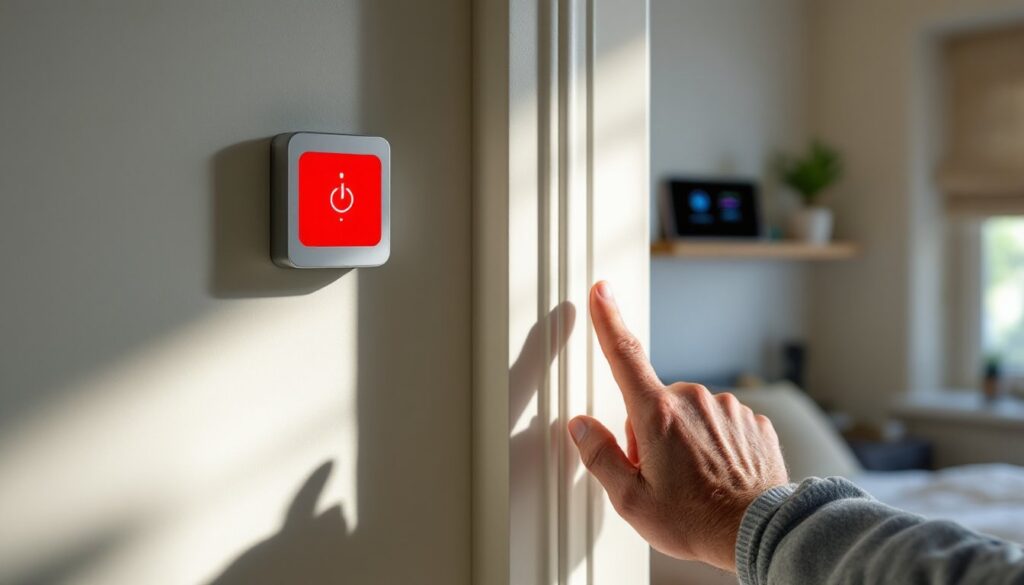
A panic alarm system is a hardwired or wireless device that sends an immediate distress signal when activated, usually by pressing a button or pulling a cord. Unlike motion sensors or door/window contacts that trigger on intrusion, panic buttons work on demand, giving you direct control over when emergency services are contacted.
When you press the panic button, the system immediately alerts a professional monitoring center (if you’ve subscribed to monitoring) or sends a signal to your phone and nearby contacts. Many systems also sound a loud audible alarm at your home, typically 85 to 110 decibels, to frighten away an intruder and alert neighbors. The monitoring center can then verify the alarm, contact police, and provide them with your location and any notes you’ve left on file (medical conditions, children present, etc.).
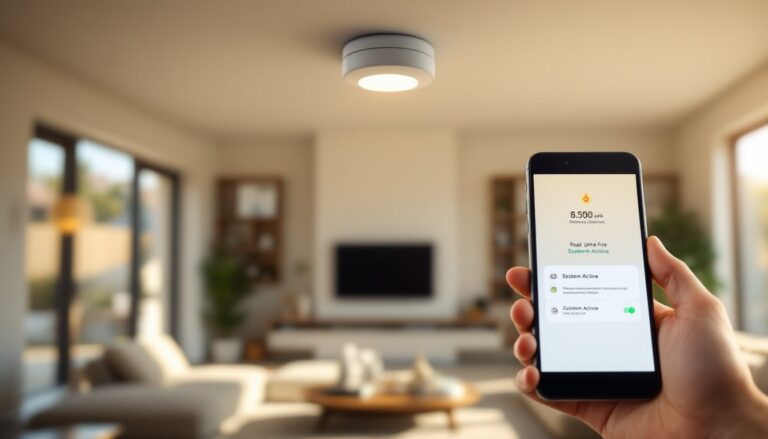
Panic alarm systems operate on several layers. The primary activation method, your panic button, connects to a control panel, which then communicates with the monitoring center via the internet, cellular network, or landline. Some systems also integrate with home automation, allowing voice activation or smartphone control. Response time is critical: professional monitoring centers typically connect within 30 to 60 seconds of receiving an alarm signal.
Types of Panic Alarm Systems for Home Security
Panic alarm systems fall into several categories, and choosing the right one depends on your home layout, technical comfort level, and monitoring preferences.
Wired vs. Wireless Systems
Wired systems use hardwired connections to link panic buttons, control panels, and monitoring devices through your home’s electrical infrastructure. These systems are reliable, require no battery changes, and cannot be jammed by RF interference. But, they demand running cables through walls (often during construction or renovation), and installation is usually a professional job. If your home is older or you’re not comfortable with cutting drywall, wired systems may not be practical.
Wireless systems use radio frequency signals to communicate between panic buttons and the control panel. They’re far easier to install, no drilling, no cable runs, and you can place panic buttons anywhere within range (typically 100 to 300 feet). The trade-off: batteries need periodic replacement, and the wireless signal can be affected by heavy metal or concrete walls. Wireless systems are ideal for renters or anyone wanting a non-permanent install.
Many modern setups use a hybrid approach: a wireless control panel with a mix of wired and wireless devices. This flexibility lets you hardwire critical entry points while keeping bedside panic buttons wireless. Research specific models to understand their compatibility before purchasing components.
Key Features to Look for in a Home Panic Alarm System
Not all panic alarm systems are created equal. Here’s what separates a reliable system from one you’ll regret:
24/7 Professional Monitoring – If you want police dispatch on your behalf, you’ll pay a monthly fee (typically $30 to $50) for professional monitoring. Some systems offer “self-monitoring” where alerts go only to your phone: this costs less but puts the burden on you to call 911. Decide upfront whether you want that responsibility.
Redundant Communication Paths – Your system should have a backup way to contact the monitoring center. If your internet is down, the system should fall back to cellular or a traditional phone line. This feature adds cost but ensures you’re not left without protection during an outage.
Fast Response Verification – Look for systems that let the monitoring center call you immediately after an alarm to verify it’s real. A false alarm triggers costly police responses (some jurisdictions fine false alarms), so verification is worth the slight delay.
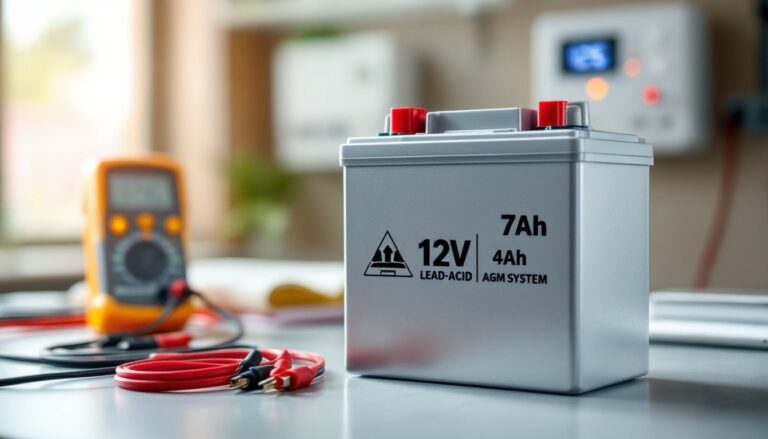
Battery Backup on the Control Panel – A panic button is useless if a power outage kills your control panel. Your main panel should have a built-in battery backup that lasts at least 24 hours and powers all wireless communication. Check the specs: cheap systems may have 4-hour batteries that won’t cut it.
Multiple Panic Button Options – Consider where you spend most time: bedroom panic buttons are essential for home invasion scenarios, but wearable panic buttons or fob-style buttons offer protection throughout your home. Some systems allow multiple buttons, so you’re not limited to one activation point.
Installation and DIY Setup Considerations
Whether you can DIY a panic alarm system depends entirely on the type you’re installing.
Wireless Systems: DIY-Friendly – If you choose a wireless panic alarm system, installation is straightforward. You’ll place the control panel in a central location (usually near your router for internet connectivity), mount panic buttons where you want them (typically using adhesive strips or light screws), and connect the panel to your internet or cellular backup. Most systems come with setup apps that guide you through WiFi pairing and testing. Budget 1 to 2 hours for a complete install. No permits required for wireless panic alarms in most jurisdictions, they’re not connected to building electrical systems.
Wired Systems: Usually Professional Work – Hardwired systems require running low-voltage cabling (typically 18 to 22 AWG copper wire) from a control panel to each panic button location. This means opening walls, fishing cables through studs and joists, and properly terminating connections. Unless you’ve done low-voltage work before, hire a licensed alarm technician. Your local building department may also require the work to be inspected, depending on jurisdiction. Budget $500 to $1,500 for professional installation of a basic wired system.
Monitoring Activation – Once hardware is installed, you’ll need to activate monitoring service with your chosen provider (AT&T Home Alarm, Ring Home Alarm System, Frontpoint Home Alarm, and others all offer panic monitoring add-ons). During activation, you’ll register emergency contacts, provide your address and access instructions for responders, and set up your account online. This administrative work takes 30 minutes but is critical, incomplete registration means slower response.
Testing Your System – Before relying on your panic alarm, test it with your monitoring center. Most providers offer a test mode that sends a signal without dispatching police. Do this in daylight, and inform your monitoring center you’re testing. Never press your panic button for real unless there’s an actual emergency.
Maintaining Your Panic Alarm System for Reliability
A panic alarm system is only as good as its last test. Neglect maintenance, and you risk it failing when you need it most.
Battery Checks – If your system uses wireless panic buttons or a control panel with battery backup, replace batteries annually or on the schedule your manual recommends. Mark your calendar in October (before winter emergencies) and swap alkaline batteries. Keep a spare set on hand. For rechargeable systems, test the charger quarterly to ensure it’s working.
Professional Monitoring Service Verification – Every 6 months, request a test signal from your monitoring center. They’ll confirm your contact information is current and verify that the alarm pathway is functioning. This quick call (often free) catches problems before an emergency.
Visual Inspection – Walk through your home quarterly and check that panic buttons are mounted securely, are not damaged, and are in locations you remember. A panic button that’s fallen behind a nightstand won’t help you in a crisis. Wireless buttons sometimes get buried under papers or moved unintentionally.
Professional System Testing – If your system is wired, have a technician perform a full system test annually. They’ll verify all connections, check impedance on the wire runs, and ensure the control panel communicates properly. This professional check-up costs $50 to $150 but prevents catastrophic failures. For wireless systems, monthly app-based self-tests (most systems offer these) usually suffice.
Firmware Updates – If your panic alarm system connects to the internet, the provider may release firmware updates to patch security vulnerabilities or add features. Check your system’s app or website quarterly and install updates as they’re released. Outdated firmware can expose your system to hacking or monitoring service interruptions.
Conclusion
A panic alarm system is insurance you hope never to use, but one that changes everything when you do. By understanding how these systems work, choosing the right type for your home, installing it correctly, and maintaining it religiously, you’re giving yourself and your family genuine peace of mind. Start with a clear assessment of your needs: Are you concerned about home invasion, medical emergencies, or both? Then select a system that matches your installation capability and budget. Don’t cut corners on monitoring service or maintenance: a panic alarm without verification or with dead batteries is just an expensive paperweight. With the right setup and discipline, you’ve built a reliable safety net that responds when seconds count.