Table of Contents
ToggleAs we age, staying safe at home becomes increasingly important. Seniors face unique security challenges, whether it’s responding quickly to emergencies, managing complex technology, or ensuring help arrives fast when needed. A dedicated alarm system designed with seniors in mind bridges that gap. Unlike generic security setups built for tech-savvy homeowners, senior-focused alarm systems prioritize simplicity, accessibility, and rapid emergency response. This guide walks you through what makes these systems essential, which features matter most, and how to choose and install one that fits your home and lifestyle.
Key Takeaways
- Dedicated alarm systems for seniors prioritize fall detection, medical alerts, and easy one-touch panic buttons over standard burglary prevention features.
- Look for senior alarm systems with large buttons (½ to ¾ inch), high-contrast labels, and 24/7 professional monitoring trained to handle older adults’ specific needs.
- Choose between landline-based systems for maximum reliability, cellular systems for areas with poor internet, or broadband/WiFi systems with cellular backup for advanced features like smartphone notifications.
- Wireless systems are DIY-friendly and don’t require running wires through walls, but professional installation ($150–$400) is recommended for complex setups or fall-detection systems.
- Position your control panel centrally at 48 inches high for easy accessibility, and always test the entire system before relying on it during emergencies.
Why Seniors Need Dedicated Alarm Systems
Standard alarm systems work fine for general burglary prevention, but seniors have different priorities. Fall detection, medical emergency alerts, medication reminders, and easy one-touch panic buttons matter more than motion sensors for intruders. Seniors may have slower response times during emergencies, vision or hearing challenges that complicate traditional panel interfaces, and limited ability to troubleshoot technical issues themselves.
According to research on elderly safety, fall-related injuries are a leading cause of accidental deaths among older adults. An alarm system that detects falls and automatically alerts emergency services or family members can be lifesaving. Also, seniors living alone benefit enormously from systems that include wellness check-ins, automatic calls or messages if doors haven’t been opened or motion hasn’t been detected over a period of time.
Dedicated senior systems also tend to include 24/7 professional monitoring staff trained to handle the specific needs of older adults. When your grandmother presses the panic button, the operator knows she may need extra time to speak clearly or may be confused about what’s happening. This human-centered approach, combined with technology, creates real safety net that generic systems simply don’t provide.
Essential Features to Look For in Senior Alarm Systems
Choosing the right senior alarm system means prioritizing accessibility and reliability over flashy smart-home integration. Start with the basics: Does the keypad have large, high-contrast buttons? Can you hear the sirens and alerts clearly? Is the system easy to arm and disarm without fumbling through menus?
Easy-to-Use Interfaces and Large Buttons
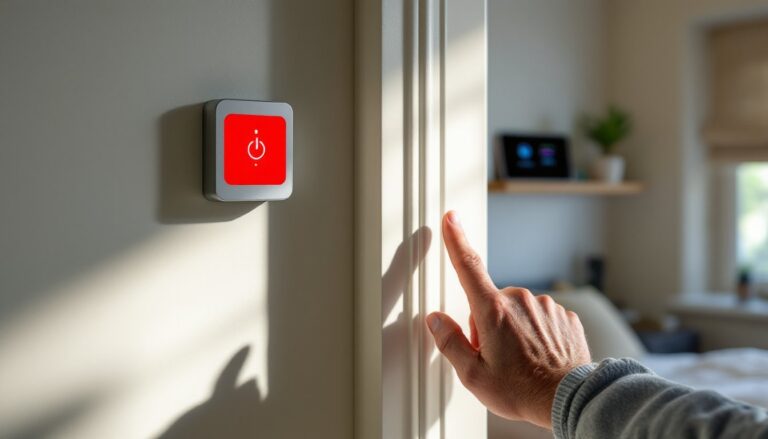
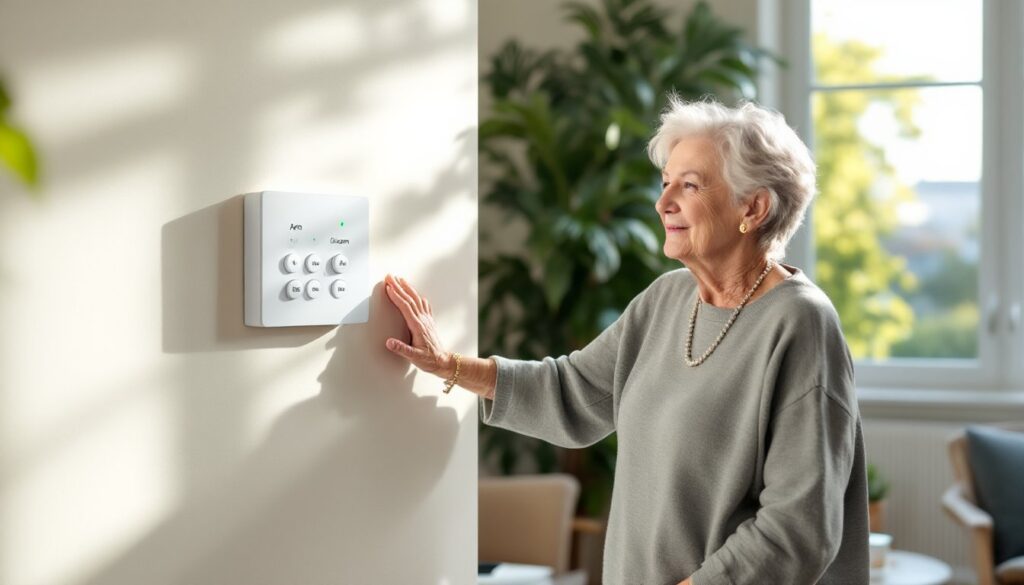
A typical senior alarm panel should have buttons at least ½ inch to ¾ inch wide with bold, easy-to-read labels. Touchscreen panels popular in modern smart homes often create frustration for seniors with arthritis or vision impairment, they require precise finger placement and respond inconsistently to trembling hands.
Look for systems with dedicated buttons for common actions: “Arm,” “Disarm,” “Help,” and “Fire.” Some systems offer wireless panic pendants or wristbands that seniors can wear at all times, eliminating the need to reach a wall panel during an emergency. These wearables should be waterproof (for bathroom safety) and have a battery life of at least 30 days between charges.
Voice-activated controls are increasingly popular, seniors can simply say “Alexa, arm my alarm” or press a button and speak their needs directly to a monitoring center. This removes the cognitive load of remembering codes or navigating menus.
24/7 Professional Monitoring and Emergency Response
Professional monitoring is non-negotiable for seniors. A standard system monitoring cost runs $25 to $50 per month, but that investment means someone trained to handle emergencies is always listening. When your alarm triggers, the monitoring center confirms it’s a real emergency rather than a false alarm, crucial for seniors who might panic and forget they triggered their own alarm.
Look for monitoring services that employ operators trained in senior communication. They should be able to call a senior, give them time to respond, confirm whether emergency services are needed, and contact family members or caregivers if the senior is unable to communicate clearly. Some services also offer two-way voice communication directly through the alarm panel, so seniors don’t have to locate a phone during an emergency.
Many senior alarm systems now include medical alert integration. This means if your system detects a fall or you press the panic button, the monitoring center knows your medical history, medications, emergency contacts, and any special instructions (“Call my daughter first, she’s a nurse”). This information transfer shaves precious minutes off response times.
Top Types of Alarm Systems For Senior Safety
Senior alarm systems generally fall into three categories, each with distinct advantages depending on living situation and mobility level.
Landline-Based Systems connect to your home phone line and are among the most reliable. They don’t depend on internet quality or cell signal. But, they require a hardwired phone connection (increasingly uncommon) and can’t send alerts to smartphones. These are practical if your home already has a robust phone line and you prefer rock-solid dependability over modern features.
Cellular/Mobile Systems use cellular networks to communicate with the monitoring center, making them ideal for seniors in areas with poor internet or those who’ve ditched landlines. Battery backups typically last 24–48 hours during power outages, so they keep working when the grid goes down. When researching brands like Ring Home Alarm or Brinks Home Alarm, check their cellular uptime guarantees, you want 99.9% or better.
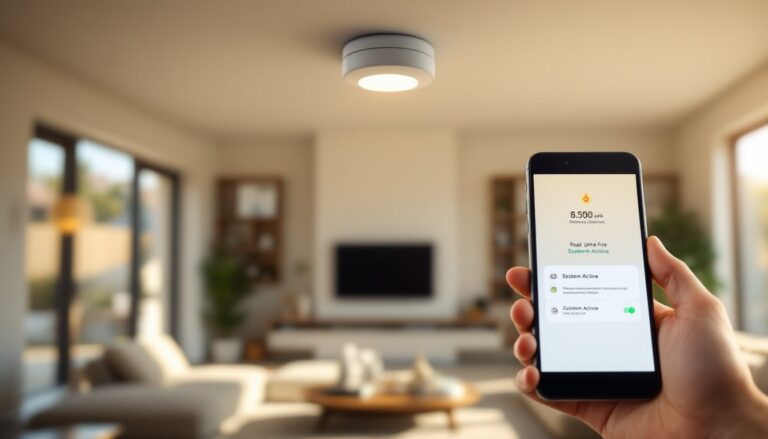
Broadband/WiFi Systems offer the most features: video integration, smartphone notifications, remote arm/disarm, and two-way voice communication. But, they’re vulnerable to internet outages. The best setups include cellular backup, so if your WiFi drops, the system automatically switches to cellular to maintain communication with the monitoring center. Many seniors prefer these because family members can check status from anywhere, your daughter in California can confirm mom’s alarm is armed before bed.
Smart home integration is a bonus for tech-comfortable seniors. Systems that work with smart speakers allow voice commands and can trigger lights when doors open (helpful during nighttime trips to the bathroom). But, don’t prioritize this over core safety features. A simple, rock-solid system that works every time beats a fancy setup full of glitches.
According to smart home technology coverage, AI-powered systems are improving elderly monitoring, with devices that learn normal routines and alert families when behavior changes unexpectedly.
Installation Tips For Homeowners
Many seniors (and their adult children) try installing systems themselves to save money. This is absolutely doable for wireless systems, though professional installation often makes sense for complex setups.
Wireless systems are DIY-friendly. Sensors use battery-powered transmitters and communicate with a hub via radio frequency, no running wires through walls. You’ll mount door and window sensors (typically 1–2 inches wide) on frames where they won’t interfere with operation, place the hub/panel centrally in the home (kitchen or main hallway), and ensure panic pendants or wristbands are easily accessible.
Before installation, walk your home and identify entry points: all exterior doors, ground-floor windows, and any basement access. Mark each spot, don’t rely on memory. Test sensor placement before finalizing mounting: some doors have gaps that prevent sensors from making full contact, so you may need adhesive shims.
Hardwired systems require running low-voltage wiring through walls, appropriate for new construction or major renovations but not practical for retrofit installations in existing homes. Most seniors should stick with wireless.
When positioning the control panel, place it near a phone charging station and away from pet areas where animals might accidentally trigger sensors. Ensure the panel is visible and accessible, mounting it at 48 inches high (roughly waist-to-chest level) suits most seniors better than mounting it at standard height.
Test everything before the monitoring center activates your account. Arm the system, walk outside, and trigger a door sensor to confirm it communicates properly. Check that panic buttons actually summon the monitoring center (your account rep can walk through a test call). Don’t assume the system works: verify it.
For complex installations, homes with multiple floors, extensive wireless interference, or seniors with limited dexterity, hire a professional installer. Most systems charge $150 to $400 for professional setup, but it eliminates the risk of improper installation causing failures when seniors need the system most. Many Home Alarm Guidance resources recommend professional installation for seniors, particularly for fall-detection systems that require precise sensor calibration.
Conclusion
The right alarm system for seniors combines accessibility, reliability, and professional support. Prioritize large buttons, simple interfaces, 24/7 monitoring, and battery backup over trendy smart-home features. Test everything before relying on it, and don’t hesitate to pay for professional installation if your setup is complex. When a senior’s safety is on the line, a system that works every time is worth every penny.